Top 10: best linkedin automation tools for 2025
December 2, 2025
LinkedIn has become the central hub for B2B prospecting and networking, but manually sending connection requests, follow-ups, and personalized messages is a monumental time sink. This is where automation tools enter the picture, allowing sales teams, recruiters, and marketers to scale their outreach efforts efficiently without sacrificing personalization. However, the market is saturated with options, making it difficult to determine which platform is the right fit for your specific needs, budget, and risk tolerance.
This guide cuts through the noise. We will provide an in-depth, comparative analysis of the best LinkedIn automation tools available today. Instead of just listing features, we dive deep into the practical applications, revealing how each tool performs in real-world scenarios. We'll explore everything from cloud-based versus browser-based solutions to their safety mechanisms for staying within LinkedIn's fair use limits. This resource is designed to help you make an informed decision, whether you're a startup building your first outbound pipeline or an enterprise team needing robust analytics and security.
Inside, you will find a detailed breakdown of 12 top-tier platforms, including Roger, Expandi, and Dux-Soup. For each tool, we will cover:
- Core Features and Functionality: What it does and how it works.
- Best-For Use Cases: Identifying the ideal user, from solo founders to large agencies.
- Pricing and Tiers: A clear look at what you get for your investment.
- Key Differentiators and Limitations: An honest assessment of strengths and weaknesses.
Choosing the right tool is only one part of the equation. To truly maximize the effectiveness of these platforms, consider exploring comprehensive LinkedIn lead generation strategies. This article will equip you with the insights needed to select the ideal automation software to execute those strategies, complete with screenshots and direct links to help you get started immediately.
1. Roger
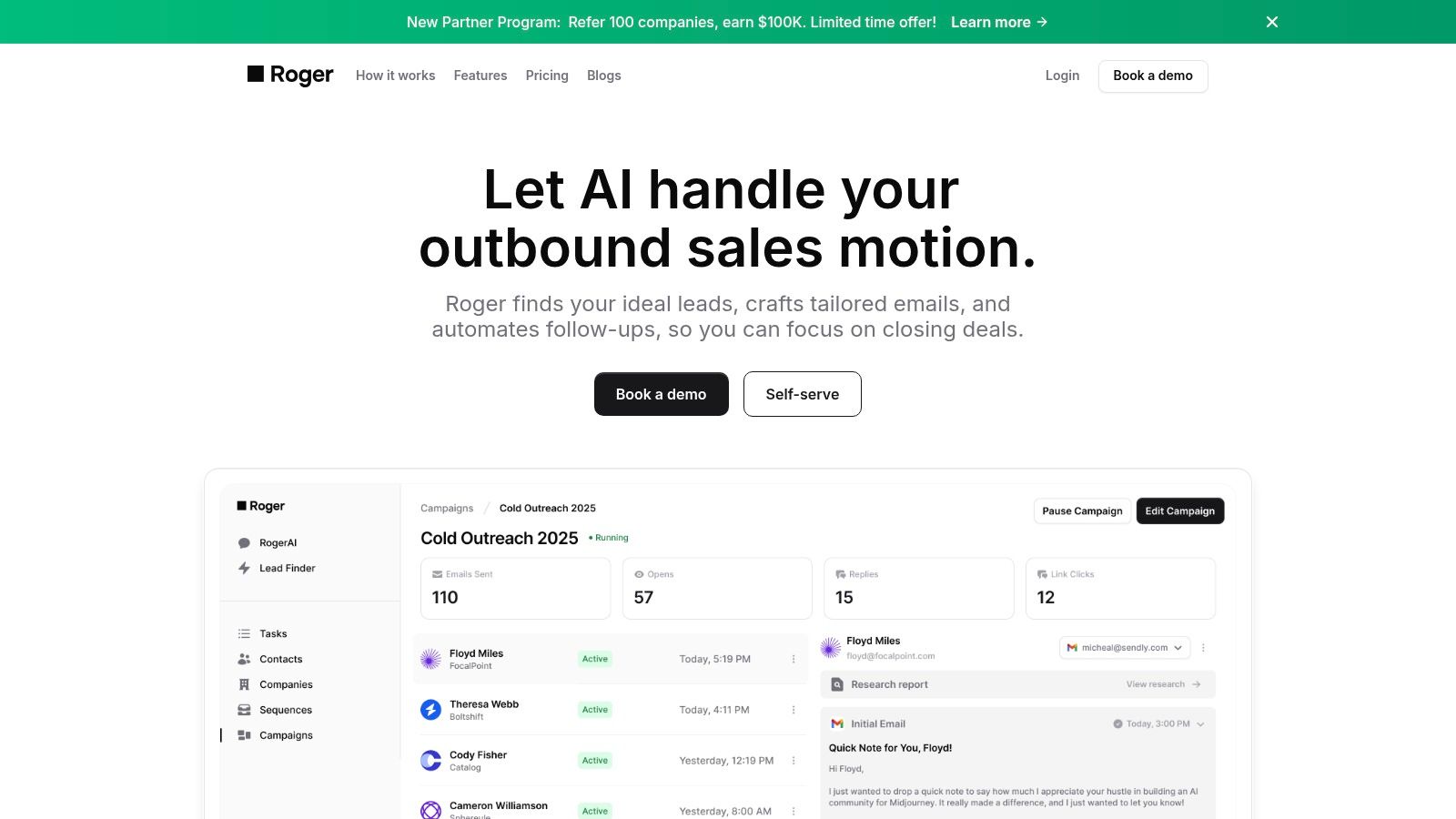
Roger positions itself not just as a tool, but as a complete, AI-powered outbound sales engine, making it our top choice for the best LinkedIn automation tools. It moves beyond simple message sequencing by offering a true end-to-end solution that handles nearly every aspect of prospecting. After a brief setup where you define your Ideal Customer Profile (ICP) and approve initial messaging, Roger takes over. It autonomously discovers leads, verifies their contact information, conducts research, and executes multi-channel outreach across both LinkedIn and email.
This platform's core strength lies in its ability to replicate the functions of an entire sales development team. By continuously sourcing fresh contacts from LinkedIn, company websites, and social media, it eliminates the problem of stale, purchased lists. Its AI then personalizes each message by pulling insights from prospect activity on LinkedIn and Twitter and even mirrors your company's historical email tone, ensuring outreach feels authentic and relevant. This sophisticated, hands-off approach allows sales teams to bypass tedious manual tasks and focus exclusively on high-value conversations and closing deals.
Key Features and Differentiators
Roger’s feature set is designed for teams that need scalable and intelligent automation without the manual busywork.
- End-to-End Automation: Roger manages the entire outbound process from lead discovery and email verification to AI-driven copywriting and multi-channel sequencing.
- AI Personalization at Scale: The platform generates per-lead research reports, pulling data from LinkedIn, Twitter, and company sites to create highly relevant outreach messages.
- Tone Mirroring: The AI analyzes your past sent emails to learn and replicate your unique communication style, maintaining brand consistency.
- Continuous Lead Discovery: Instead of relying on static lists, Roger constantly finds and qualifies new decision-makers, ensuring your pipeline is always fresh.
Pricing and Plans
Roger offers scalable plans suitable for different team sizes, from startups to large enterprises.
- Basic: $800/month for up to 800 leads.
- Standard: $2,000/month for up to 2,500 leads.
- Premium: $3,000/month for up to 4,000 leads, plus real-time Slack support.
- Enterprise: Custom pricing with unlimited sequences, dedicated support, and advanced integrations.
Ideal Use Cases
Roger is best suited for B2B sales teams that want to automate the entire top-of-funnel process. It's particularly effective for sales leaders at fast-growing startups, SMBs without dedicated SDRs, and enterprise teams needing a robust, secure, and data-driven prospecting solution. While the entry price is higher than simpler tools, the value is in replacing the cost and overhead of manual prospecting and list-building entirely.
Website: https://hireroger.com
2. Expandi
Expandi solidifies its position as one of the best LinkedIn automation tools by prioritizing account safety above all else. It’s a cloud-based platform engineered to mimic human behavior, which is a critical differentiator in an environment where LinkedIn actively penalizes aggressive automation. The platform achieves this by using dedicated country-based IP addresses and randomizing the timing between actions, making its activity appear far more natural than many competing browser-based extensions.
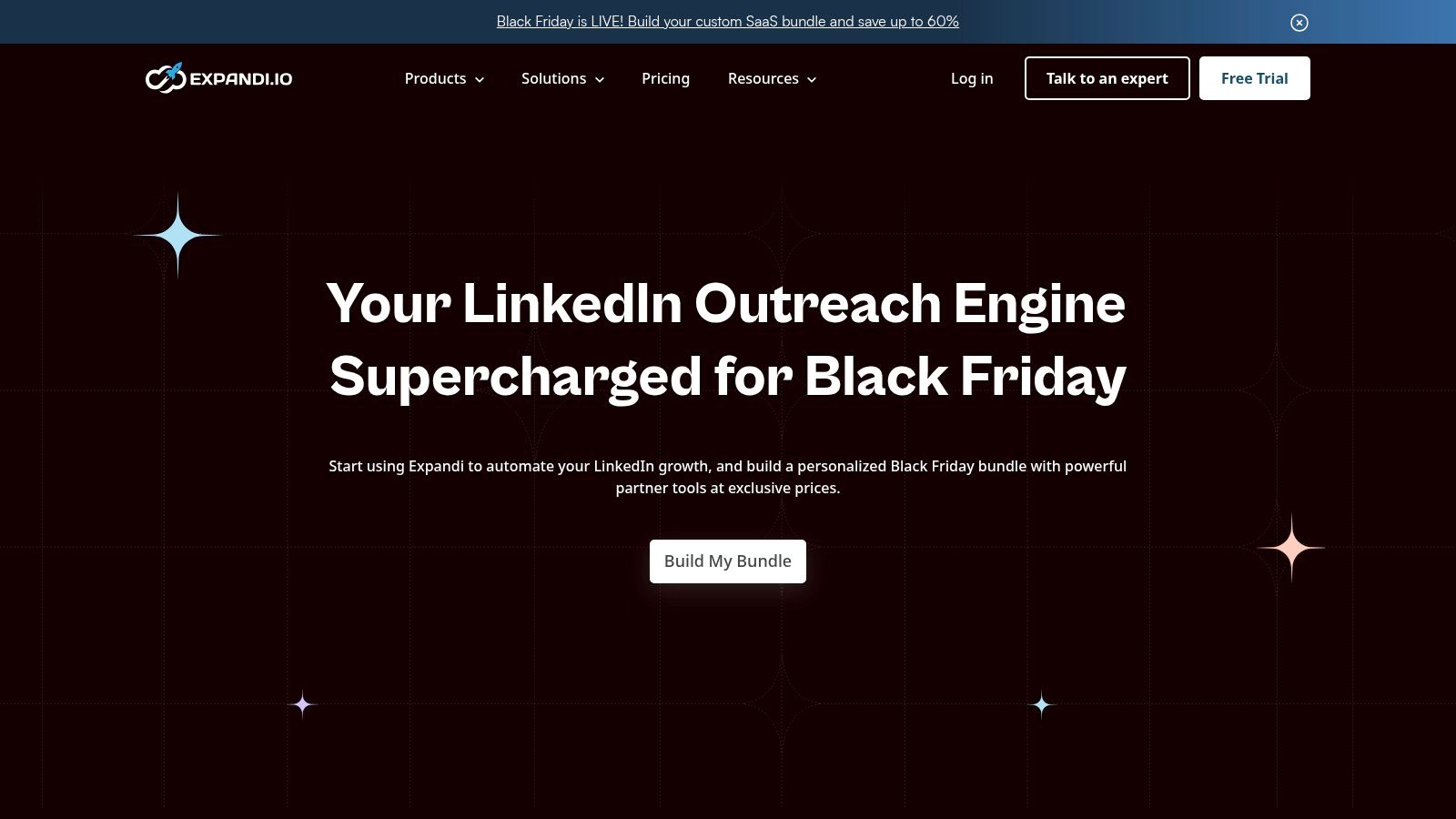
This safety-first approach makes it a top choice for agencies and sales teams managing multiple accounts, where a single suspension could be catastrophic. The user interface is clean, and building campaigns with dynamic personalization fields (like shared interests or company names) is straightforward, even for newcomers to automation.
Key Features & Pricing
Expandi’s feature set is robust, focusing on both security and scalability. Its all-in-one pricing model simplifies the decision-making process, as all users get access to the full suite of features without confusing tiers.
- Human-like Automation: Utilizes randomized delays and smart limits to stay within LinkedIn’s accepted usage thresholds.
- Dedicated IP Address: Assigns a unique, local IP for each account to ensure consistent and secure login activity.
- Agency-Ready: Offers multi-account dashboards and white-labeling options, perfect for lead generation agencies managing client campaigns.
- Dynamic Personalization: Allows for hyper-personalized messaging by pulling in custom variables from a prospect's profile.
Pricing is straightforward, with a single plan at $99 per seat per month. This includes all features, making it a valuable, predictable investment for serious users.
| Feature | Expandi |
|---|---|
| Best For | Agencies, Sales Teams, Safety-Conscious Users |
| Standout Feature | Dedicated IP & Randomized Actions |
| Pricing Model | $99/seat/month (all-inclusive) |
| Website | https://expandi.io |
3. Dripify
Dripify earns its spot as one of the best LinkedIn automation tools by offering a highly intuitive, visual campaign builder that simplifies complex outreach sequences. It allows users to map out drip campaigns with actions like connection requests, messages, and profile views in a flowchart-style interface. This approach makes it exceptionally easy to visualize the entire prospect journey and implement conditional logic, such as "if a prospect connects, then send a follow-up message."
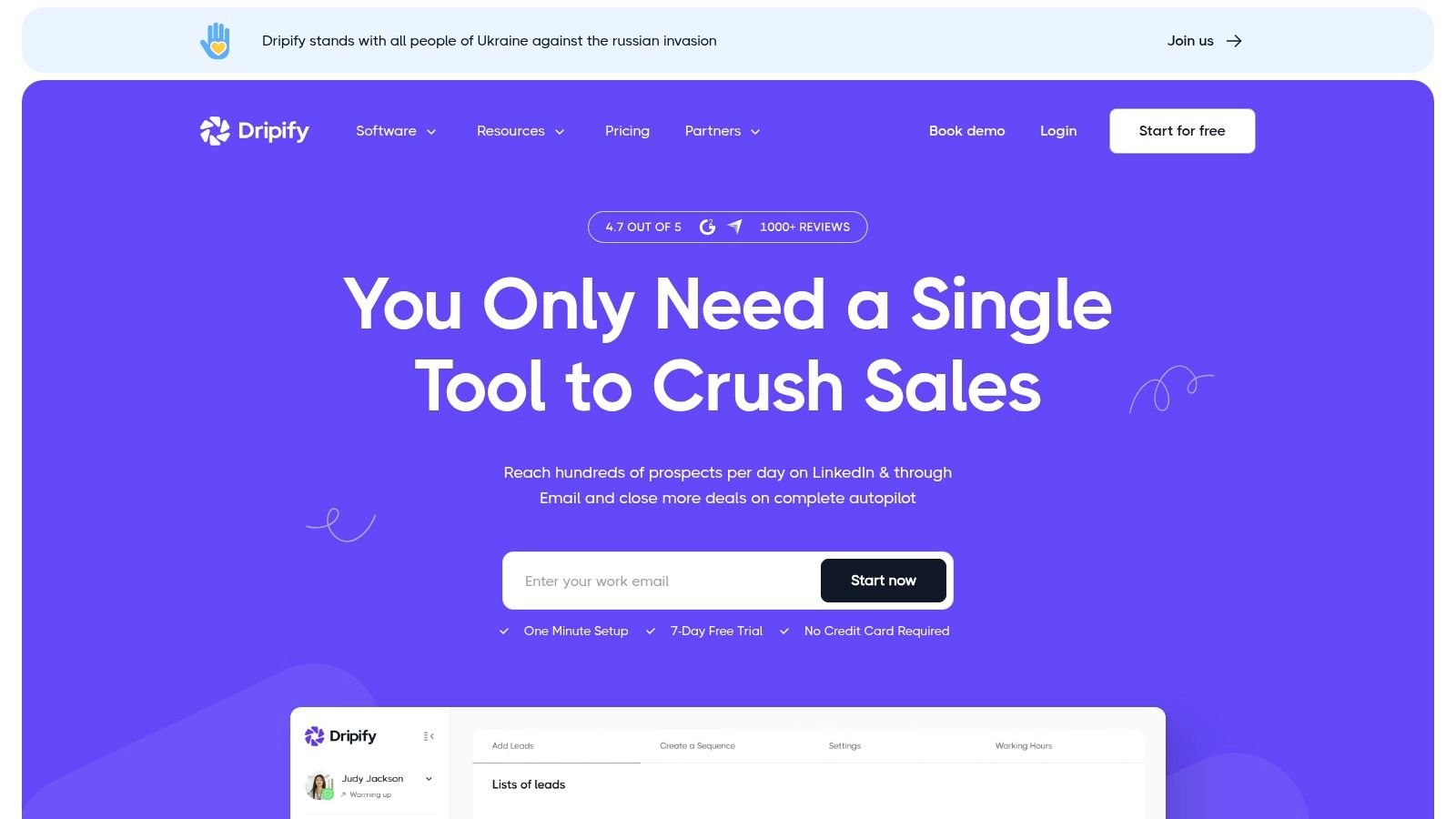
This platform strikes an excellent balance between user-friendliness and powerful features, making it suitable for both solo entrepreneurs and growing sales teams. Its built-in analytics dashboard provides clear insights into campaign performance, while the dedicated inbox and team management features help maintain organization as lead volume scales. For those looking to integrate LinkedIn into a wider tech stack, Dripify’s webhook support is a significant advantage.
Key Features & Pricing
Dripify’s feature set is designed for creating and managing sophisticated multi-step outreach sequences with ease. It offers several pricing tiers to accommodate different user needs, from basic automation to advanced team collaboration.
- Visual Campaign Builder: Create complex drip sequences using a drag-and-drop interface with conditional logic.
- Team Management: Onboard and manage team members, view collective stats, and collaborate on campaigns from a single dashboard.
- Advanced Analytics: Track key metrics like connection acceptance rates and message response rates to optimize your outreach.
- A/B Testing: Test different message variations to identify which copy performs best, helping improve campaign results over time.
Pricing starts with a Basic plan at $59/month per user, with Pro at $79/month and Advanced at $99/month, offering more features like A/B testing and team management at higher tiers.
| Feature | Dripify |
|---|---|
| Best For | Users Who Prefer a Visual Workflow, Sales Teams |
| Standout Feature | Visual Drip Campaign Builder |
| Pricing Model | Tiered from $59 to $99/user/month |
| Website | https://dripify.com |
4. Dux-Soup
Dux-Soup has long been a staple in the LinkedIn automation space, offering a flexible and highly accessible entry point through its popular Chrome extension. It operates directly in your browser, making setup incredibly quick and giving users a tangible sense of control as it visits profiles and automates actions. This browser-based approach is ideal for individuals or small teams who want to start automating their outreach without committing to a more complex, cloud-based system from day one.
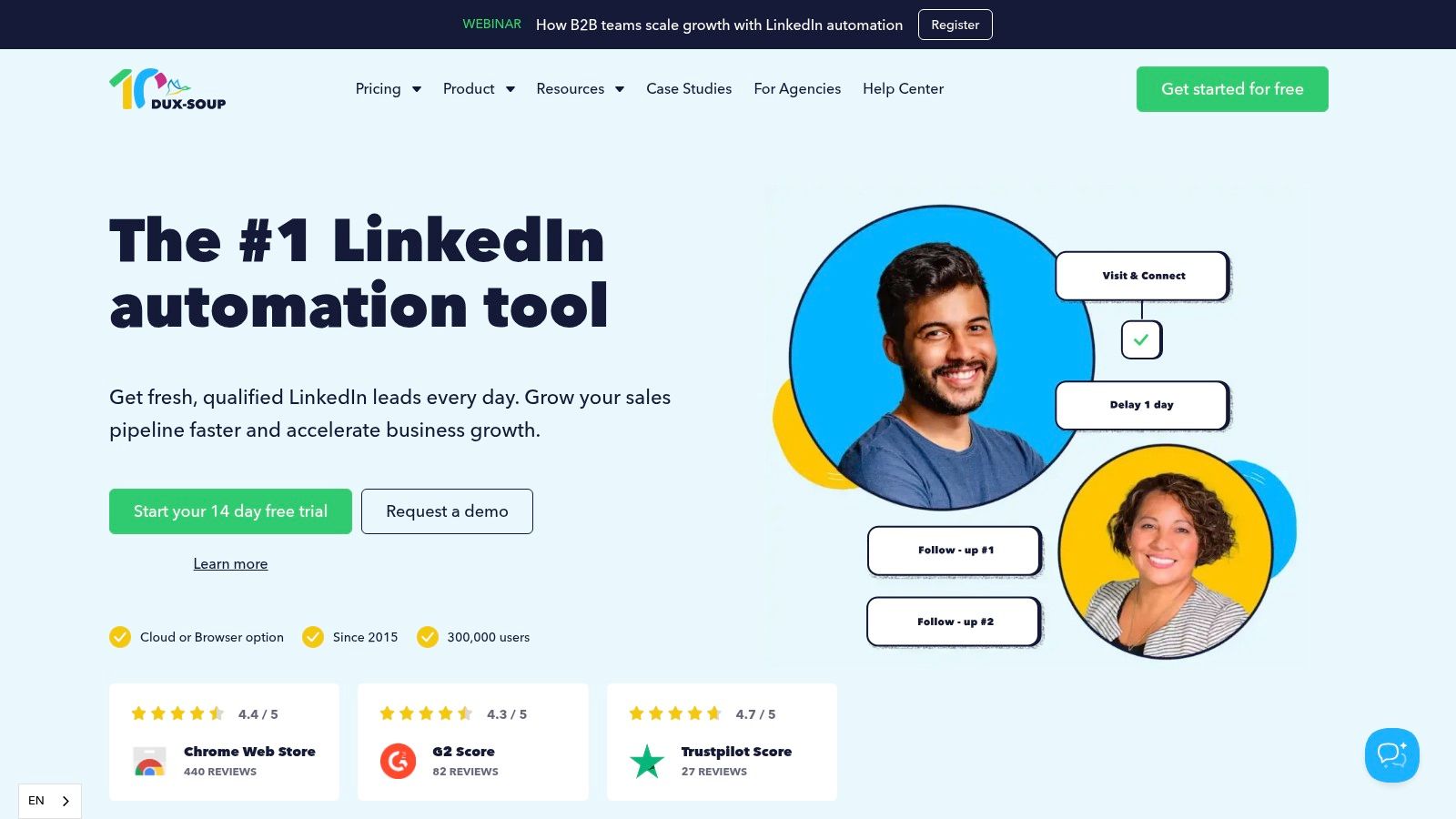
The platform's strength lies in its tiered model, which allows users to scale their activities as their needs grow. You can start with basic profile visits and messaging on a local machine and later upgrade to the Turbo or Cloud plans for 24/7 operation and advanced CRM integrations. This scalability makes Dux-Soup one of the best LinkedIn automation tools for users who prefer a gradual, hands-on approach to building their lead generation engine.
Key Features & Pricing
Dux-Soup’s tiered structure provides a clear upgrade path, from simple browser automation to fully managed cloud-based campaigns. This flexibility is a key differentiator, catering to everyone from solo entrepreneurs to established teams.
- Flexible Deployment: Choose between a browser extension (Pro), an advanced extension with drip campaigns (Turbo), or a fully cloud-based solution (Cloud) for 24/7 activity.
- Broad Compatibility: Works seamlessly with all versions of LinkedIn, including Sales Navigator and Recruiter, making it a versatile choice for different user types.
- Strong Integrations: Connects directly with HubSpot and Pipedrive and offers extensive additional connectivity through Zapier and Make.
- Affordable Entry Point: The Pro plan offers one of the lowest-cost ways to start automating basic LinkedIn tasks safely.
Pricing is tiered: Pro Dux starts at $14.99/month, Turbo Dux at $55/month, and Cloud Dux at $99/month, allowing users to pay only for the features they need.
| Feature | Dux-Soup |
|---|---|
| Best For | Solo Users, Recruiters, Small Teams, Budget-Conscious Starters |
| Standout Feature | Tiered Model (Browser Extension to Full Cloud) |
| Pricing Model | Starts at $14.99/month (Tiered) |
| Website | https://www.dux-soup.com |
5. PhantomBuster
PhantomBuster carves out its niche as a powerful data extraction and workflow automation platform that extends far beyond just LinkedIn. It’s less of a guided, single-purpose tool and more of a versatile toolkit for tech-savvy marketers and sales professionals. Instead of simple campaigns, it offers over 100 pre-built automations called "Phantoms" that can be chained together into complex, multi-step "Flows," allowing users to scrape profiles, enrich data from other sources, and then initiate outreach.
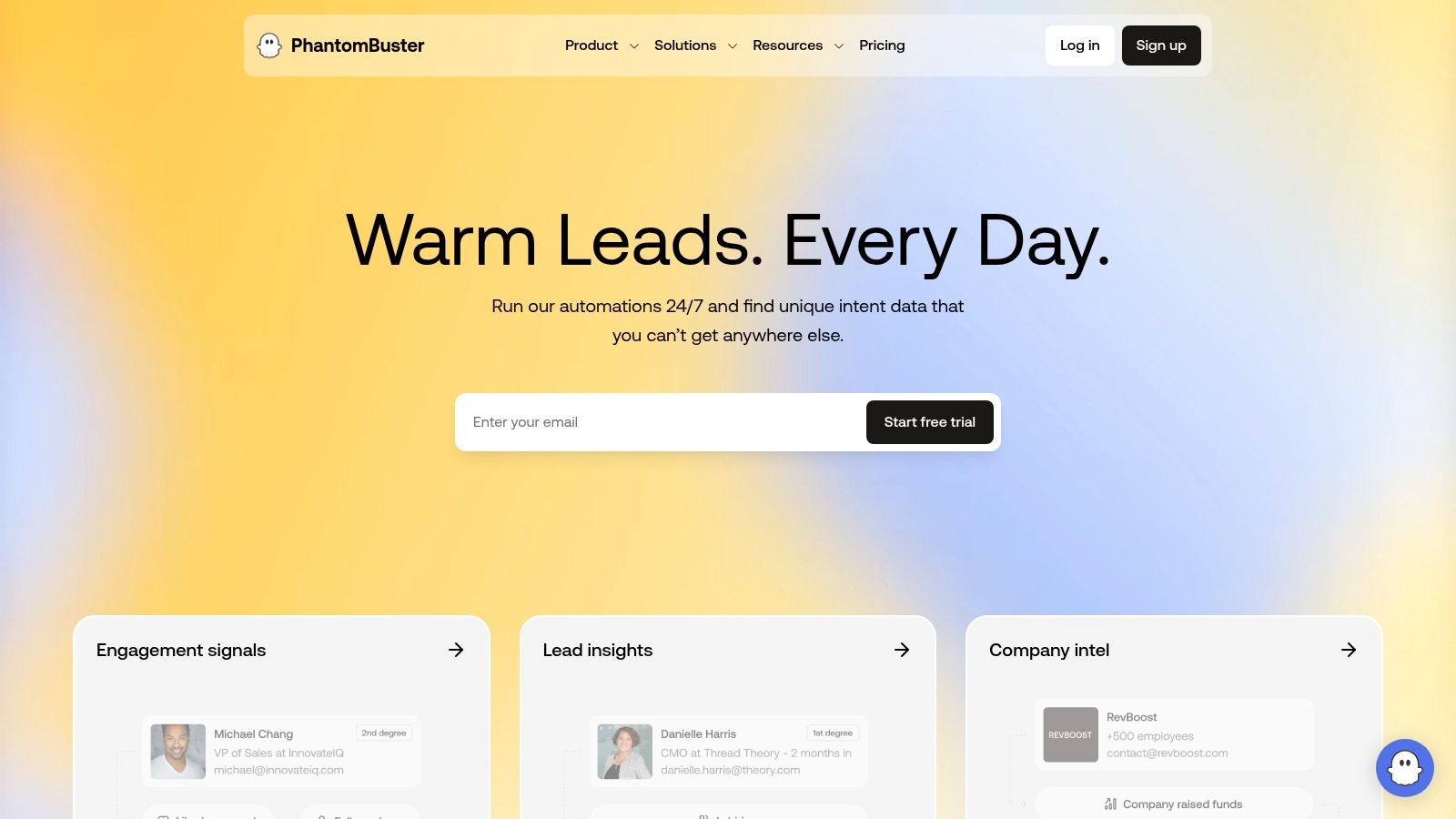
This makes it one of the best LinkedIn automation tools for power users who need to build custom, cross-platform workflows. While it has a steeper learning curve compared to more guided solutions, its flexibility is unmatched for those who need to integrate LinkedIn data with other platforms like Google Sheets, Hunter, or their own CRM. Its API access further empowers developers to create truly bespoke automation stacks.
Key Features & Pricing
PhantomBuster’s value lies in its flexibility and extensive library of automations. Its usage-based pricing model means users pay for what they need, from execution time to the number of automations (slots) they can run concurrently.
- 100+ Pre-built Automations: A vast library of "Phantoms" for tasks like profile scraping, auto-connecting, message sending, and more.
- Multi-step Workflows: Combine individual Phantoms into "Flows" to create sophisticated, multi-platform automation sequences.
- API Access: Provides full API access for developers to integrate PhantomBuster's capabilities into their own applications and systems.
- Cross-Platform Integration: Not limited to LinkedIn; automates tasks across Twitter, Instagram, Google Maps, and other web platforms.
Pricing is usage-based, starting with a free trial and paid plans like Starter at $69/month for 20 hours of execution time and 10 slots. Plans scale up to Team and Enterprise tiers for higher usage limits.
| Feature | PhantomBuster |
|---|---|
| Best For | Power Users, Developers, Data-Driven Teams |
| Standout Feature | Cross-Platform Automations & API Access |
| Pricing Model | Tiered, from $69/month (usage-based) |
| Website | https://phantombuster.com |
6. Linked Helper
Linked Helper takes a different approach from most modern platforms, operating as a desktop application rather than a cloud-based service or browser extension. It has a long-standing reputation as one of the original LinkedIn automation tools, offering a robust set of features for automating profile visits, connection requests, messaging sequences, and even skill endorsements. Its primary appeal lies in its flexible, license-based pricing, which can be highly cost-effective for specific use cases.
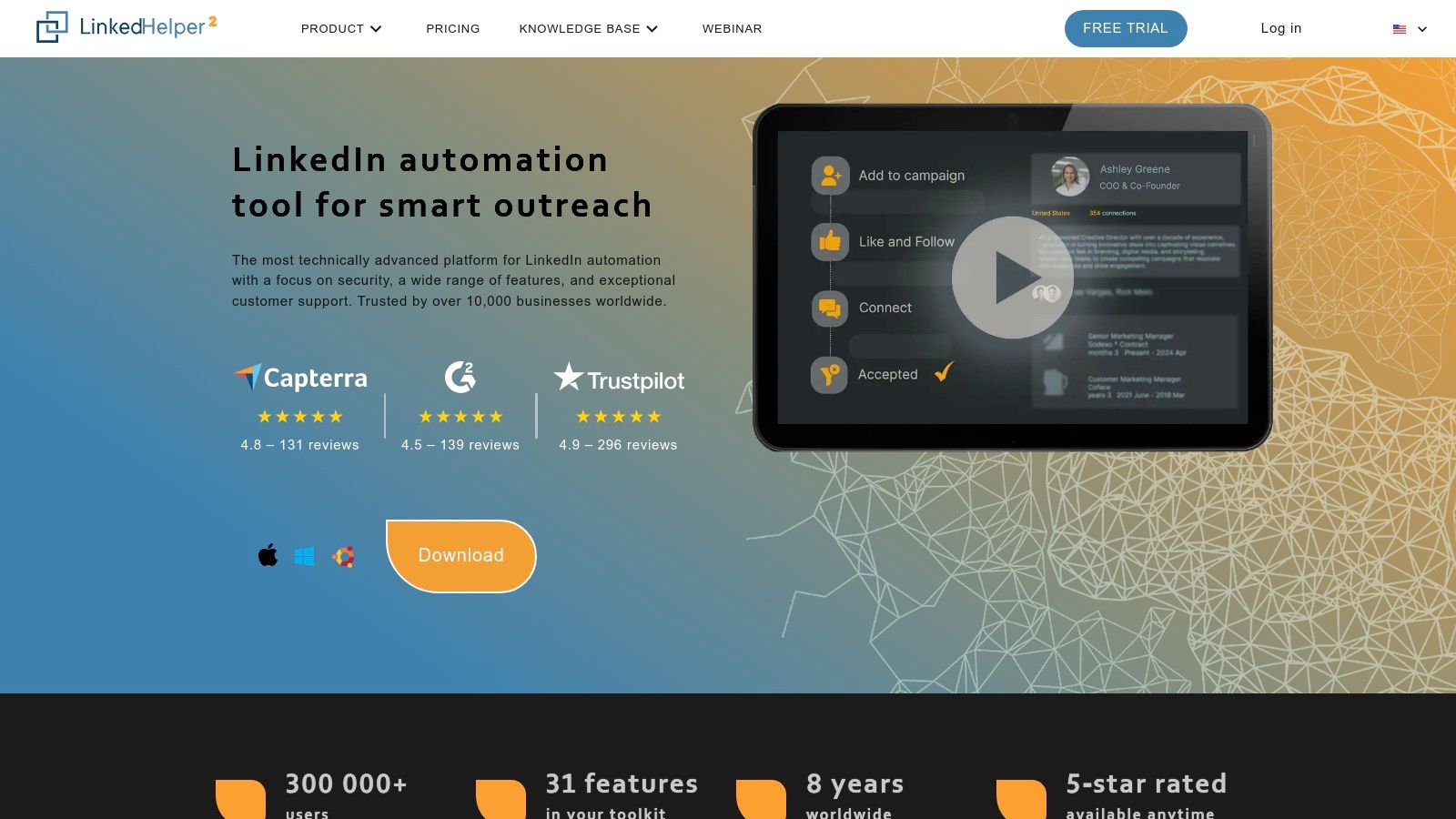
Because it runs locally on your machine, it directly uses your computer's IP address, which some users prefer for consistency. However, this also means your computer must be running for the automation to work. The interface is more functional than flashy, but it provides granular control over campaign logic and safety settings, allowing you to carefully configure action limits and delays to minimize risk.
Key Features & Pricing
Linked Helper is packed with features that cover the entire prospecting funnel, from initial contact to follow-up. Its key differentiator is its pricing model, which allows users to purchase licenses for specific durations, making it ideal for short-term projects or those on a tight budget.
- Desktop Application: Runs locally on your machine, giving you direct control over its operation and IP usage.
- Comprehensive Automation: Automates a wide range of actions including profile views, invites, InMails, message sequences, and skill endorsements.
- Configurable Safety Throttles: Provides detailed settings to manage daily limits and randomize delays between actions to mimic human behavior.
- License-Based Pricing: Offers flexible license durations (1, 3, 6, or 12 months), reducing the commitment of a recurring monthly subscription.
Pricing starts as low as $15 per month for the Standard plan, with longer-term licenses bringing the effective monthly cost down even further. A Pro version with advanced features is also available.
| Feature | Linked Helper |
|---|---|
| Best For | Budget-Conscious Users, Project-Based Campaigns |
| Standout Feature | Flexible, Non-Recurring License Model |
| Pricing Model | Starts at $15/month (license-based) |
| Website | https://www.linkedhelper.com |
7. Meet Alfred
Meet Alfred positions itself as a comprehensive, multi-channel campaign manager rather than just a simple LinkedIn automation tool. It stands out by integrating LinkedIn, email, and X (formerly Twitter) into unified outreach sequences, allowing users to create more holistic and persistent follow-up strategies. This approach is ideal for sales teams wanting to engage prospects across multiple platforms without juggling separate tools.
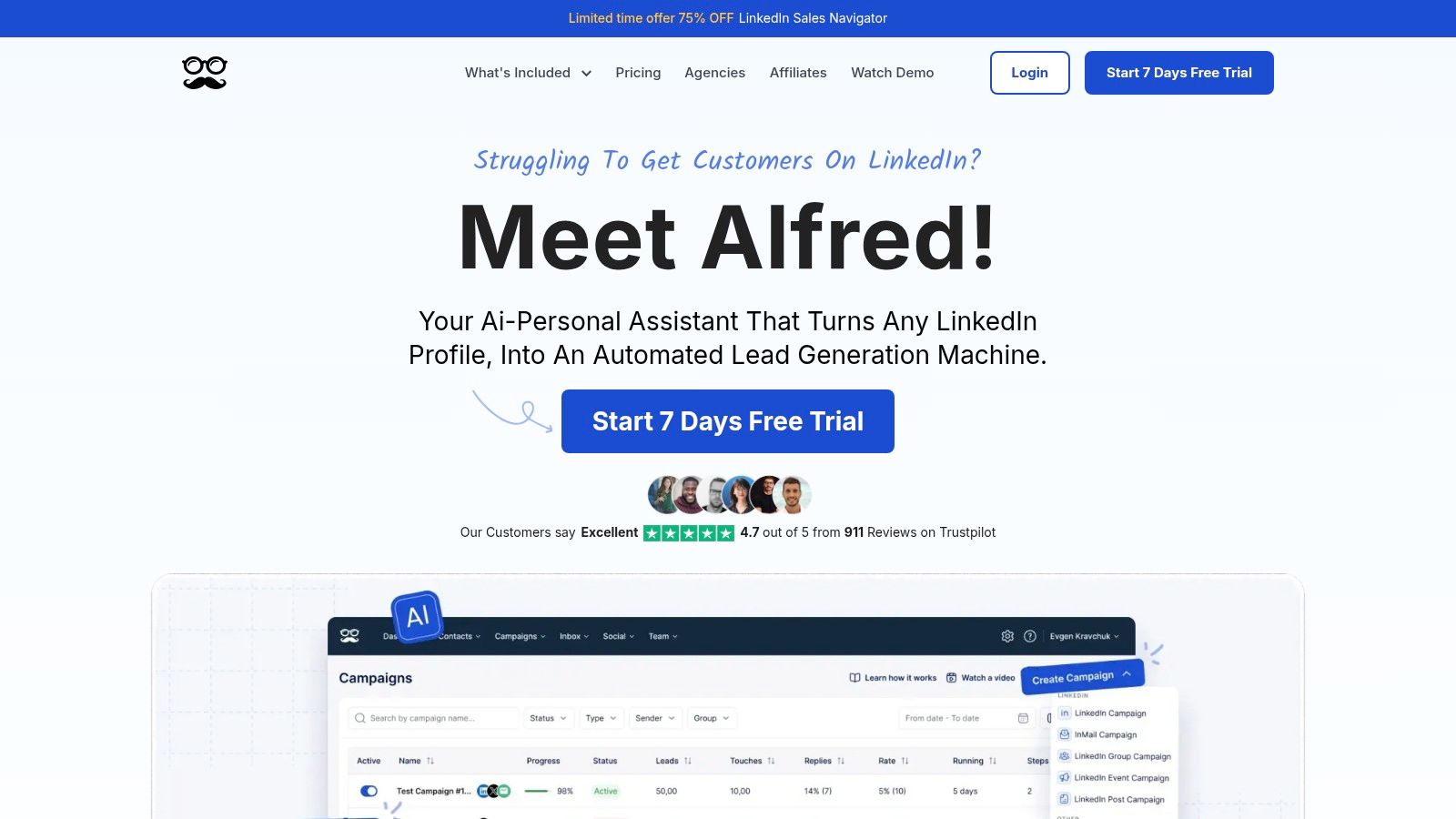
The platform includes a built-in LinkedIn CRM to manage conversations and track lead progress, which helps keep outreach organized. While its feature set is impressively broad, this can also introduce a steeper learning curve compared to more focused tools. It's a powerful option for users who are ready to commit to building sophisticated, multi-touchpoint campaigns and need a single dashboard to manage it all.
Key Features & Pricing
Meet Alfred is built for users who need more than just LinkedIn connections and messages. Its strength lies in orchestrating outreach across different channels and providing the tools to manage those interactions effectively, especially for teams and agencies.
- Multi-Channel Sequences: Combine and automate actions across LinkedIn (including InMails, events, and groups), email, and X.
- Built-in CRM & Smart Inbox: Manage all prospect conversations from a single, unified inbox, and track leads through your pipeline.
- Team & Agency Management: Features role-based access, team performance reporting, and white-labeling options for client-facing work.
- Post Scheduling: Schedule and manage content for LinkedIn profiles and company pages to enhance your social selling efforts.
Pricing starts with the Starter plan at $59/month, but the more popular Business plan is $99/month, offering a richer feature set. Significant discounts are available with annual billing.
| Feature | Meet Alfred |
|---|---|
| Best For | Multi-Channel Prospecting, Agencies, Sales Teams |
| Standout Feature | Integrated LinkedIn, Email, and X sequences |
| Pricing Model | Starts at $59/user/month (tiered plans) |
| Website | https://meetalfred.com |
8. Zopto
Zopto positions itself as a premium, higher-touch solution in the LinkedIn automation space, targeting agencies and larger sales teams that require managed support and advanced features. This cloud-based platform goes beyond simple automation by providing dedicated customer success managers to help with campaign strategy and onboarding. This hands-on approach is ideal for teams looking to scale their outreach quickly without a steep learning curve.
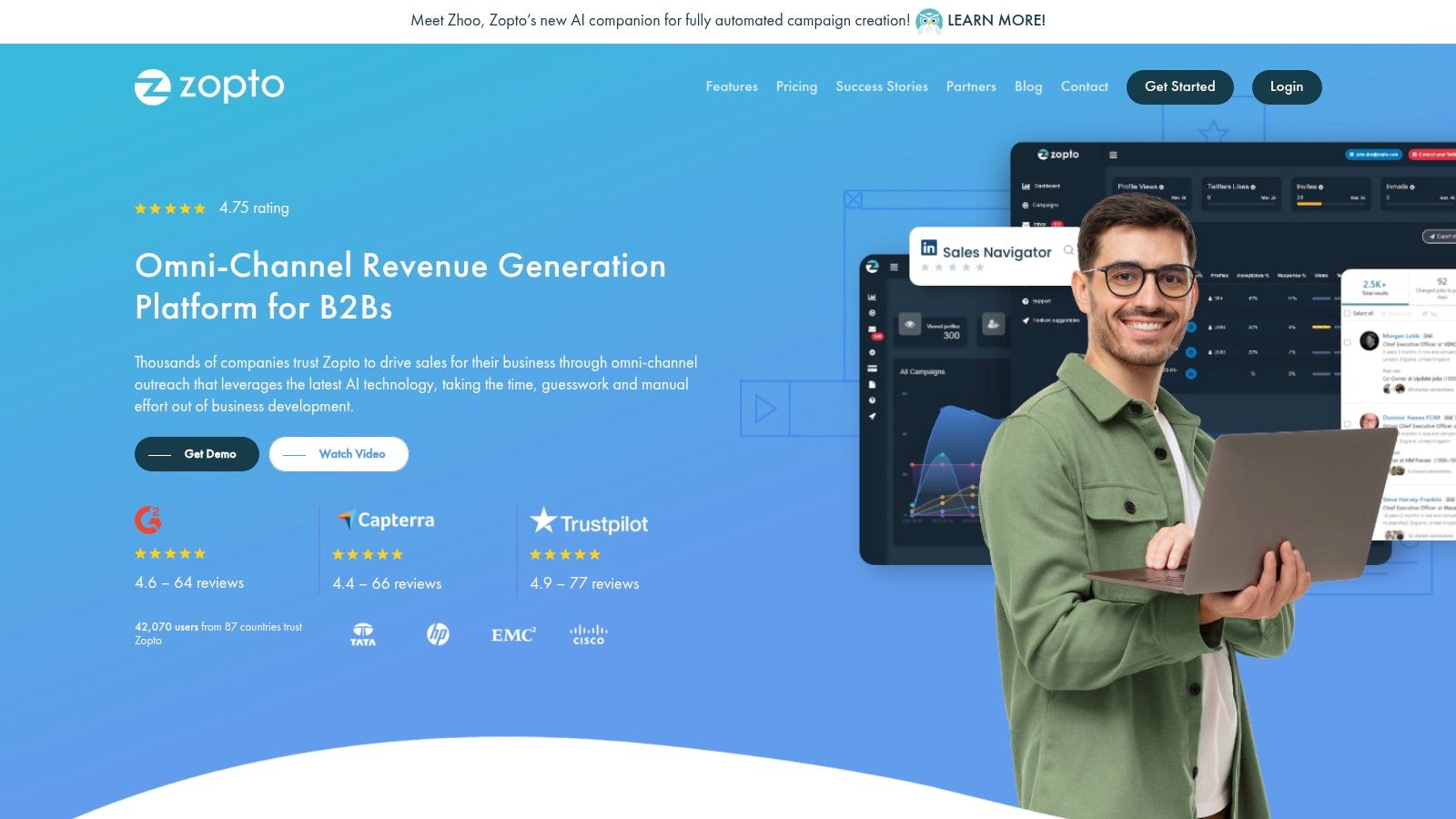
Its strength lies in its agency-centric design, offering robust multi-account dashboards, detailed analytics, and white-labeling capabilities. Zopto’s omni-channel sequences, which can integrate InMails, connection requests, and emails, allow for more sophisticated and resilient outreach campaigns. While its higher price point may not suit solo users or small businesses, the included support and powerful features provide significant value for organizations managing multiple accounts or complex lead generation efforts.
Key Features & Pricing
Zopto’s feature set is built for scale, combining powerful automation with the support needed to execute it effectively. Its focus on integrations and multi-account management makes it one of the best LinkedIn automation tools for established teams.
- Managed Support: Each account gets a dedicated customer success manager for strategy and onboarding.
- Omni-channel Campaigns: Combine multiple touchpoints, including InMails and emails, into a single automated sequence.
- Agency-Focused Dashboards: Easily manage multiple client accounts from a centralized, white-labeled interface.
- Advanced Integrations: Connects with HubSpot, Salesforce, and thousands of other apps via Zapier and API access.
Zopto’s pricing is tiered based on the number of features and level of support. Plans start at $215/month for the "Personal" plan and go up to custom pricing for the "Agency" tier, with significant volume discounts available.
| Feature | Zopto |
|---|---|
| Best For | Agencies, Larger Sales Teams, High-Volume Outreach |
| Standout Feature | Dedicated Customer Success Manager & Agency Dashboard |
| Pricing Model | Starts at $215/month |
| Website | https://zopto.com |
9. Waalaxy
Waalaxy carves out its space in the market by offering an exceptionally accessible entry point into LinkedIn automation, making it a favorite for solo entrepreneurs and those just starting out. It operates primarily as a Chrome extension but includes optional cloud capabilities for running campaigns 24/7. The platform simplifies outreach with sequences that combine LinkedIn and email actions, such as connection requests, messages, and follow-ups.
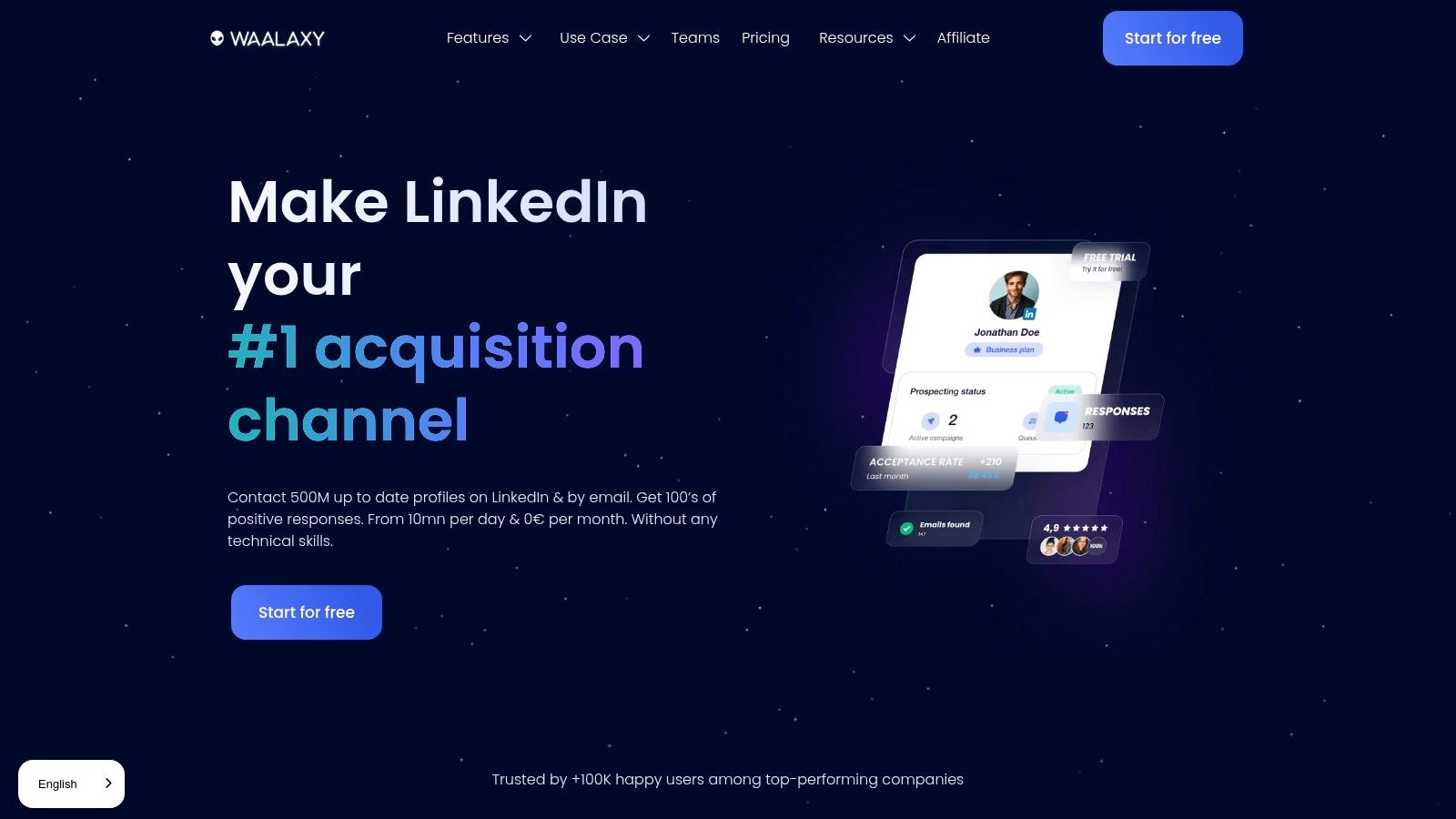
Its biggest draw is the generous freemium plan, allowing users to test the waters without any financial commitment. The user interface is gamified and user-friendly, guiding new users through campaign creation smoothly. While it may not have the deep safety features of cloud-native tools, its ease of use and low cost make it one of the best LinkedIn automation tools for beginners dipping their toes into automated prospecting.
Key Features & Pricing
Waalaxy’s features are tiered, encouraging users to upgrade as their needs grow. The focus is on multi-channel sequences and straightforward campaign management, with a clear and approachable design.
- Freemium Plan: Offers a no-cost entry point to send up to 80 connection requests per month, ideal for low-volume users.
- Multi-channel Sequences: Combines LinkedIn actions with email outreach to create more touchpoints with prospects.
- Built-in Email Finder: Automatically finds and verifies professional email addresses for prospects within your campaigns.
- CRM Integration: Syncs data directly with popular CRMs like HubSpot and Pipedrive to streamline lead management.
Pricing is offered in several tiers, starting with a Free plan. Paid plans range from €56/month (Advanced) to €160/month (Business), with higher tiers unlocking more features like email automation and advanced sequences. Note that pricing is in EUR, so final costs may vary for US buyers.
| Feature | Waalaxy |
|---|---|
| Best For | Beginners, Solopreneurs, Budget-Conscious Users |
| Standout Feature | Generous Freemium Plan & User-Friendly UI |
| Pricing Model | Freemium; Paid plans from €56/month |
| Website | https://www.waalaxy.com |
10. Octopus CRM
Octopus CRM enters the list as one of the best LinkedIn automation tools for beginners and solo entrepreneurs, thanks to its straightforward approach and highly accessible pricing. As a Chrome extension, it offers a lightweight solution for automating basic LinkedIn tasks like sending connection requests, bulk messaging, and viewing profiles. Its primary appeal lies in its simplicity, making it a great entry point for those new to automation who want to test the waters without a significant financial commitment.
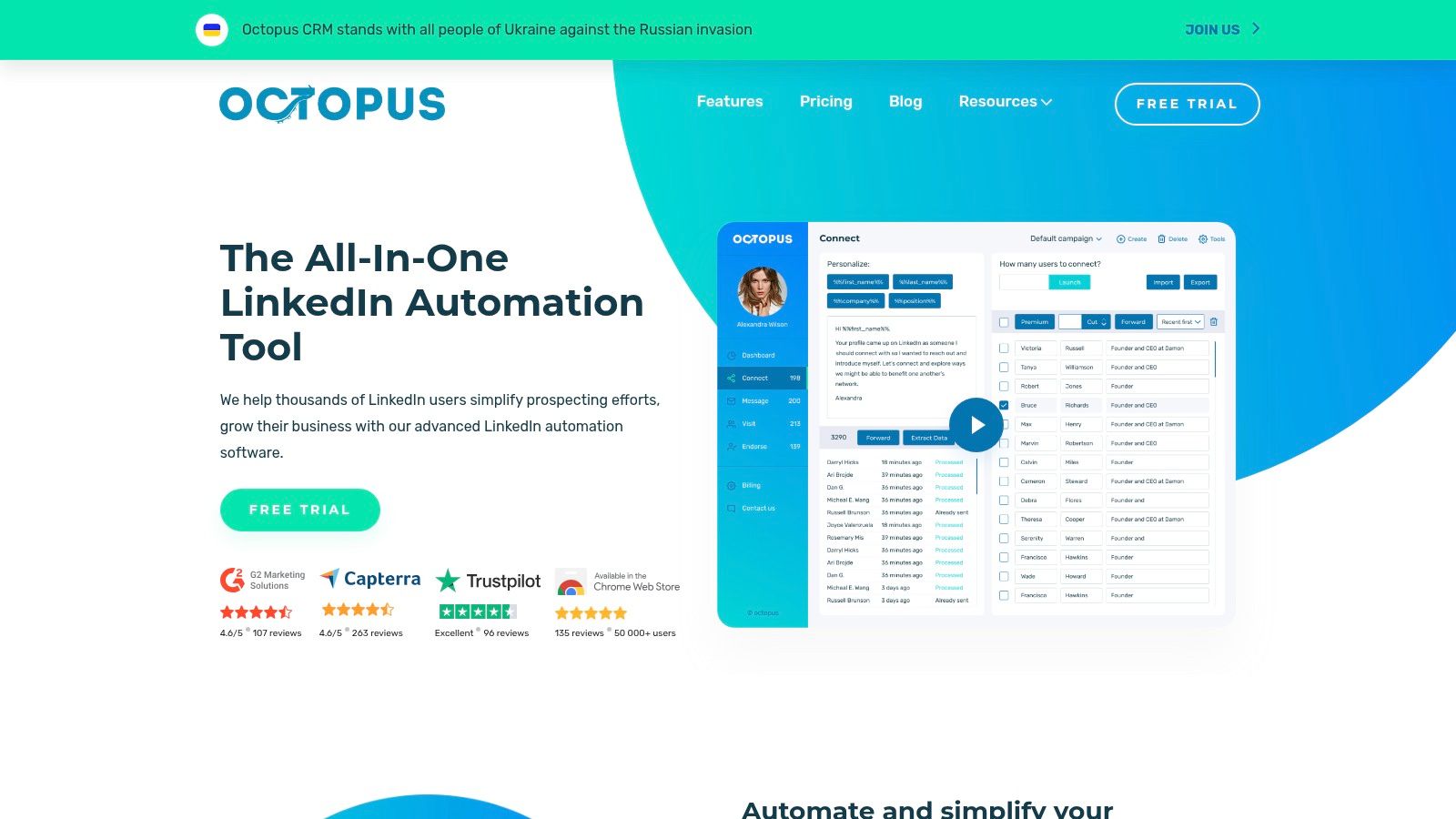
The platform functions as a light CRM, allowing users to build simple prospecting funnels and track campaign performance directly within its dashboard. While it lacks the advanced safety features of cloud-based competitors, it includes basic activity controls to help users stay within reasonable limits. However, because it's a browser extension, it requires your browser to be active to run campaigns, and users must be mindful of their usage to avoid detection by LinkedIn.
Key Features & Pricing
Octopus CRM’s feature set is designed for core outreach tasks. Its tiered pricing model makes it affordable, but many essential capabilities, like campaign analytics and Zapier integration, are reserved for higher-priced plans.
- Core Automation: Automates connection requests, bulk messages, profile views, and skill endorsements.
- Lightweight CRM: Build simple funnels and manage prospects with CSV import and export capabilities.
- Affordable Tiers: Offers some of the lowest starting prices in the market, making it accessible for individuals and small teams.
- Activity Control: Provides basic controls to manage the volume and frequency of automated actions.
Pricing starts at $9.99 per month for the Starter plan, scaling up to $39.99 per month for the Unlimited plan, which unlocks all features. A 7-day free trial is available for all plans.
| Feature | Octopus CRM |
|---|---|
| Best For | Beginners, Freelancers, Budget-Conscious Users |
| Standout Feature | Low Entry Price & Simplicity |
| Pricing Model | Tiered from $9.99/month to $39.99/month |
| Website | https://octopuscrm.io |
11. La Growth Machine
La Growth Machine elevates LinkedIn automation by integrating it into a true multi-channel prospecting engine. It moves beyond simple connection requests and messages, allowing users to orchestrate complex sequences that combine LinkedIn actions, cold emails, and even X (Twitter) interactions. This holistic approach makes it one of the best LinkedIn automation tools for teams looking to build a comprehensive and resilient outbound strategy that doesn't rely on a single platform.
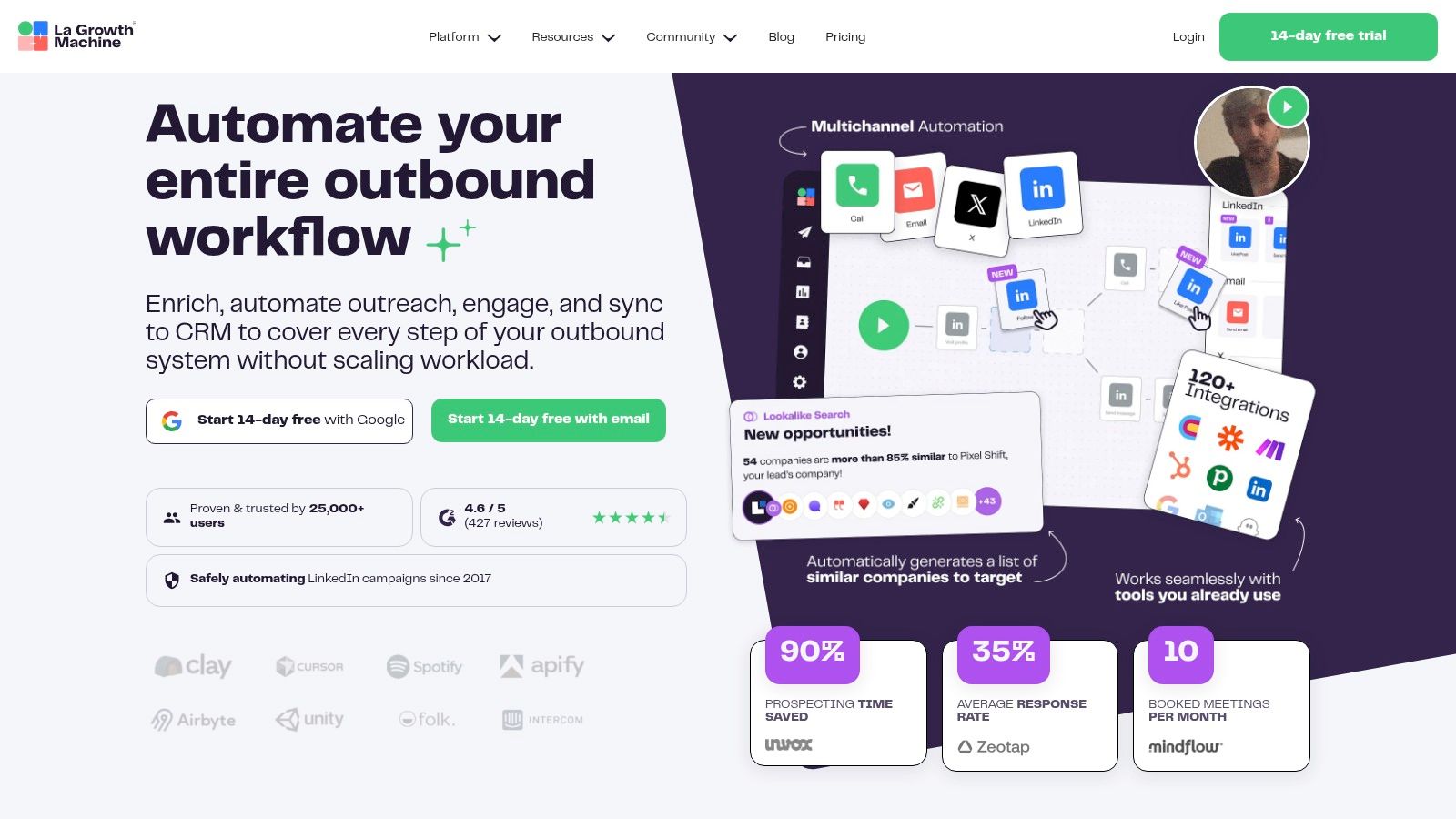
The platform is engineered for scale and safety, incorporating features like mobile proxies, smart limits, and a centralized inbox to manage all conversations. Its built-in data enrichment capabilities are a significant advantage, automatically finding and verifying professional email addresses to power the email part of your sequences. This makes it a powerful choice for sales teams who need reliable data without adding another tool to their stack.
Key Features & Pricing
La Growth Machine’s feature set is geared towards sophisticated sales and growth teams needing more than just LinkedIn automation. The pricing is positioned for serious users, reflecting its advanced multi-channel and data enrichment capabilities.
- Multi-Channel Orchestration: Seamlessly combine LinkedIn, Email, and X actions into a single automated workflow.
- Built-in Data Enrichment: Automatically finds and verifies prospect email addresses using included enrichment credits.
- Unified Inbox: Manage all conversations from LinkedIn and email in one place, streamlining lead management.
- Advanced Safety Stack: Utilizes cloud-based operation, mobile proxies, and intelligent limits to protect accounts during scaled outreach.
Pricing starts at €60/month per identity for the Basic plan, with the Pro plan at €120/month and the Ultimate plan at €180/month, offering more features, integrations, and enrichment credits.
| Feature | La Growth Machine |
|---|---|
| Best For | Scaled Sales Teams, Multi-Channel Prospecting |
| Standout Feature | Integrated LinkedIn, Email, and Data Enrichment |
| Pricing Model | Starts at €60/identity/month |
| Website | https://lagrowthmachine.com |
12. We-Connect
We-Connect carves out its space among the best LinkedIn automation tools by offering a flexible, cloud-based platform designed for scalable outreach. It focuses on smart, multi-step campaigns that go beyond basic connection requests, allowing users to build sophisticated sequences with follow-ups, InMails, and even email outreach. This multi-channel capability makes it a strong contender for sales teams looking to orchestrate a more holistic prospecting strategy without juggling multiple disconnected tools.
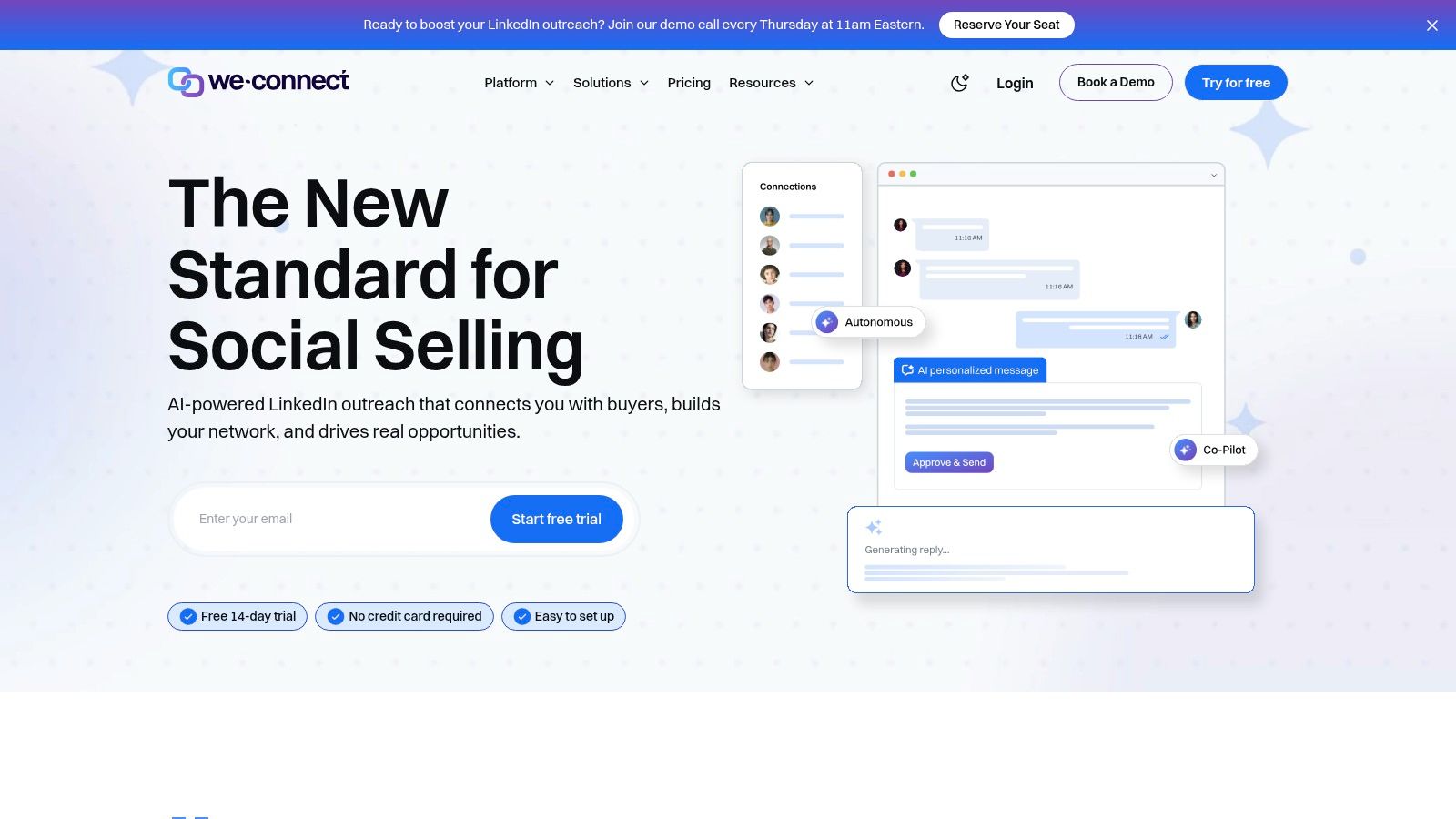
The platform is built with team collaboration in mind, providing robust user management and permission settings essential for agencies and larger sales departments. Its API and webhook access also offer a degree of customization that allows for integration into existing sales tech stacks, making it adaptable for more complex workflows. The optional add-ons for content scheduling and profile optimization further position it as a centralized hub for LinkedIn marketing and sales activities.
Key Features & Pricing
We-Connect’s feature set is designed for versatility, supporting both individual users and large teams with features that grow with their needs. Its pricing is competitive, particularly for those seeking multi-channel capabilities.
- Unlimited Campaigns: Run as many outreach sequences as needed per account without artificial limits.
- API & Webhook Access: Integrate We-Connect into your CRM or other business tools for seamless data flow and custom workflows.
- Team & Agency Features: Includes user permissions, campaign management, and a centralized dashboard for overseeing multiple accounts.
- Optional Multi-Channel Add-Ons: Expand your outreach to include email campaigns and manage your content with post scheduling for a comprehensive approach.
Pricing starts at $49 per user per month for the LinkedIn outreach plan. The Email Outreach plan is also $49/month, with a combined bundle available for those wanting multi-channel functionality.
| Feature | We-Connect |
|---|---|
| Best For | Mid-Market Sales Teams, Agencies, B2B Marketers |
| Standout Feature | API/Webhook Access & Multi-Channel Add-Ons |
| Pricing Model | Starts at $49/user/month |
| Website | https://we-connect.io |
Top 12 LinkedIn Automation Tools Comparison
| Product | Core features | Quality (★) | Price / Value (💰) | Target & USP (👥 ✨) |
|---|---|---|---|---|
| 🏆 Roger | AI end-to-end outbound: continuous lead discovery, email verification, per-lead research, tone‑mirroring, multi‑channel sequences (email + LinkedIn), analytics | ★★★★★ Strong deliverability & daily reporting | 💰 $800–$3,000+/mo (Basic → Premium → Enterprise); scalable tiers | 👥 Sales teams & revenue orgs; ✨ Automated continuous discovery, per‑lead research reports, unlimited sequences, tone‑mirroring |
| Expandi | Cloud LinkedIn automation: randomized timing, dedicated IPs, templates, multi‑account controls | ★★★★ Safe‑first, human‑like cadence | 💰 Simple single‑tier pricing (no lite tier) | 👥 Agencies & safety‑focused teams; ✨ Dedicated IPs & smart limits for safer automation |
| Dripify | Visual drip builder, analytics, dedicated inbox, team management, webhooks, optional email credits | ★★★★ Clear UI & reporting | 💰 Mid‑tier; optional email credits extra | 👥 Solo users → teams; ✨ Visual campaign builder with templates and good reporting |
| Dux‑Soup | Extension → cloud options, supports Sales Navigator/Recruiter, CRM integrations | ★★★☆ Affordable & flexible | 💰 Very low entry price; paid cloud upgrades | 👥 Recruiters & small teams; ✨ Low‑cost entry with extension→cloud upgrade path |
| PhantomBuster | 100+ prebuilt automations, multi‑step Flows, API access, usage‑based plans | ★★★★ Extremely flexible; steeper learning | 💰 Usage‑based (execution/slot limits) | 👥 Power users & devs; ✨ Cross‑platform scraping, programmable automation & API |
| Linked Helper | Desktop app: visits, invites, messages, endorsements, safety throttles, license pricing | ★★★☆ Low‑cost desktop automation | 💰 License‑based (cheap when extended); email credits | 👥 Budget/project users; ✨ Short‑term licenses reduce recurring cost |
| Meet Alfred | Multi‑channel sequences (LinkedIn, email, X), LinkedIn CRM, Smart Inbox, scheduling | ★★★★ Feature‑rich; learning curve | 💰 Mid‑tier; best value annually | 👥 Agencies & teams; ✨ Built‑in CRM, posting & agency/white‑label options |
| Zopto | Managed cloud with CSM, omni‑channel sequences, A/B testing, CRM integrations | ★★★★ High‑touch, agency‑grade | 💰 Higher price; volume discounts for agencies | 👥 Agencies & multi‑seat teams; ✨ Dedicated CSM, agency dashboards & managed onboarding |
| Waalaxy | Chrome extension + cloud: invites, messaging, CRM sync, LinkedIn Inbox add‑on | ★★★☆ Beginner‑friendly with limits | 💰 Freemium + tiered paid plans (EUR) | 👥 Solo users & beginners; ✨ Freemium entry, reply detection & templates |
| Octopus CRM | Chrome extension CRM: automates invites, bulk messaging, profile views, CSV import/export | ★★★ Simple, entry‑level CRM | 💰 Very low starting price; tiered plans | 👥 Solopros & basic outreach; ✨ Low cost and easy setup |
| La Growth Machine | Multi‑channel orchestration (LinkedIn, email, calls, X), enrichment credits, rotating inbox, safety stack | ★★★★ Scales with robust safety features | 💰 Mid→upper market (EUR), per‑identity pricing | 👥 Agencies & data‑rich teams; ✨ Strong enrichment + safety architecture (proxies, limits) |
| We‑Connect | Cloud LinkedIn campaigns, seat‑based pricing, API/webhooks, AI copy, team permissions | ★★★★ Competitive mid‑market toolset | 💰 Mid‑market; email/content add‑ons may cost extra | 👥 Teams & agencies; ✨ Unlimited campaigns per account, API/webhooks and seat model |
Choosing Your Path: Final Thoughts on the Best LinkedIn Automation Tools
Navigating the landscape of LinkedIn automation can feel overwhelming, but as we've explored, the right tool can fundamentally transform your prospecting and lead generation efforts. We've dissected twelve of the best LinkedIn automation tools available today, from browser-based extensions like Dux-Soup and Octopus CRM to sophisticated, cloud-based platforms like Roger, Expandi, and Zopto.
The central takeaway is that there is no single "best" tool for everyone. Your ideal solution depends entirely on your specific goals, team size, technical comfort, and budget. The key is to move beyond feature checklists and align a platform’s core philosophy with your strategic needs.
Key Insights and Actionable Takeaways
Before making your final decision, reflect on these critical points we've covered:
- Safety First, Always: LinkedIn's primary goal is to maintain a positive user experience. Aggressive, spammy automation is a fast track to account restrictions. Prioritize tools that offer human-like behavior, randomized delays, and clear daily limits. Cloud-based solutions generally offer a higher degree of safety by operating from a dedicated IP address.
- Browser Extension vs. Cloud-Based: This is a foundational choice. Browser extensions (like Linked Helper or Dux-Soup) are often more affordable and simpler to start with, but they require your computer to be on and can be more easily detected. Cloud-based platforms (like Roger, Dripify, or Expandi) offer "set it and forget it" convenience, enhanced safety, and more advanced features for scaling teams.
- Beyond LinkedIn: The Multi-Channel Imperative: Relying solely on LinkedIn messages is a limiting strategy. Prospects are inundated with connection requests and InMails. The most effective outreach strategies, as seen with tools like Roger, La Growth Machine, and Waalaxy, integrate email and other touchpoints to create a persistent, value-driven conversation across multiple channels.
- Personalization is Non-Negotiable: The era of "Hi {first_name}, I saw your profile..." is over. True personalization goes deeper. Look for tools that leverage advanced AI, dynamic placeholders, and conditional logic to tailor messages based on a prospect's industry, role, recent activity, or company news. This is where AI-driven platforms are creating a significant competitive advantage.
How to Select the Right Tool for Your Business
To simplify your choice, consider which of these profiles best describes your needs:
For the Solo Founder or Startup: If you're just starting and budget is a primary concern, a reliable browser extension like Dux-Soup or Octopus CRM provides a solid entry point. They offer essential automation features to help you build initial momentum without a significant financial commitment.
For the Growing SMB or Sales Team: As you scale, you need a more robust, cloud-based solution. Expandi and Dripify are excellent choices that offer advanced sequencing, A/B testing, and team management features. They provide the power needed to run multiple campaigns simultaneously while maintaining safety.
For the Agency or Power User: Agencies managing multiple client accounts require top-tier safety, analytics, and white-labeling. Zopto is built for this, offering a powerful feature set designed for agency workflows. Roger also excels here, providing end-to-end management that allows agencies to deliver a fully managed outbound service.
For the Enterprise Seeking End-to-End Automation: Large organizations need more than just a tool; they need a system. This is where an all-in-one platform like Roger shines. By combining AI-driven personalization, multi-channel sequencing (LinkedIn + Email), and a fully managed service model, it removes the operational burden and focuses on delivering qualified meetings, making it one of the best LinkedIn automation tools for teams that prioritize results over manual campaign management.
Ultimately, the goal of automation is not to replace human connection but to enhance it at scale. Use these tools to handle the repetitive, top-of-funnel tasks so you can invest your valuable time in what truly matters: building relationships, understanding customer pain points, and closing deals. Choose wisely, implement thoughtfully, and you’ll unlock a powerful new engine for growth.
Ready to move beyond just automating tasks and start automating results? Roger offers a fully managed, AI-powered outbound platform that handles everything from list building and copywriting to multi-channel sequencing, delivering qualified meetings directly to your calendar. Discover how the most advanced of the best LinkedIn automation tools can build your sales pipeline for you by visiting Roger today.